Set a credit limit
A credit limit is the most a company can owe you on payment terms. When a protected company's outstanding balance plus a new order would go over its limit, that order can't be placed on payment terms.
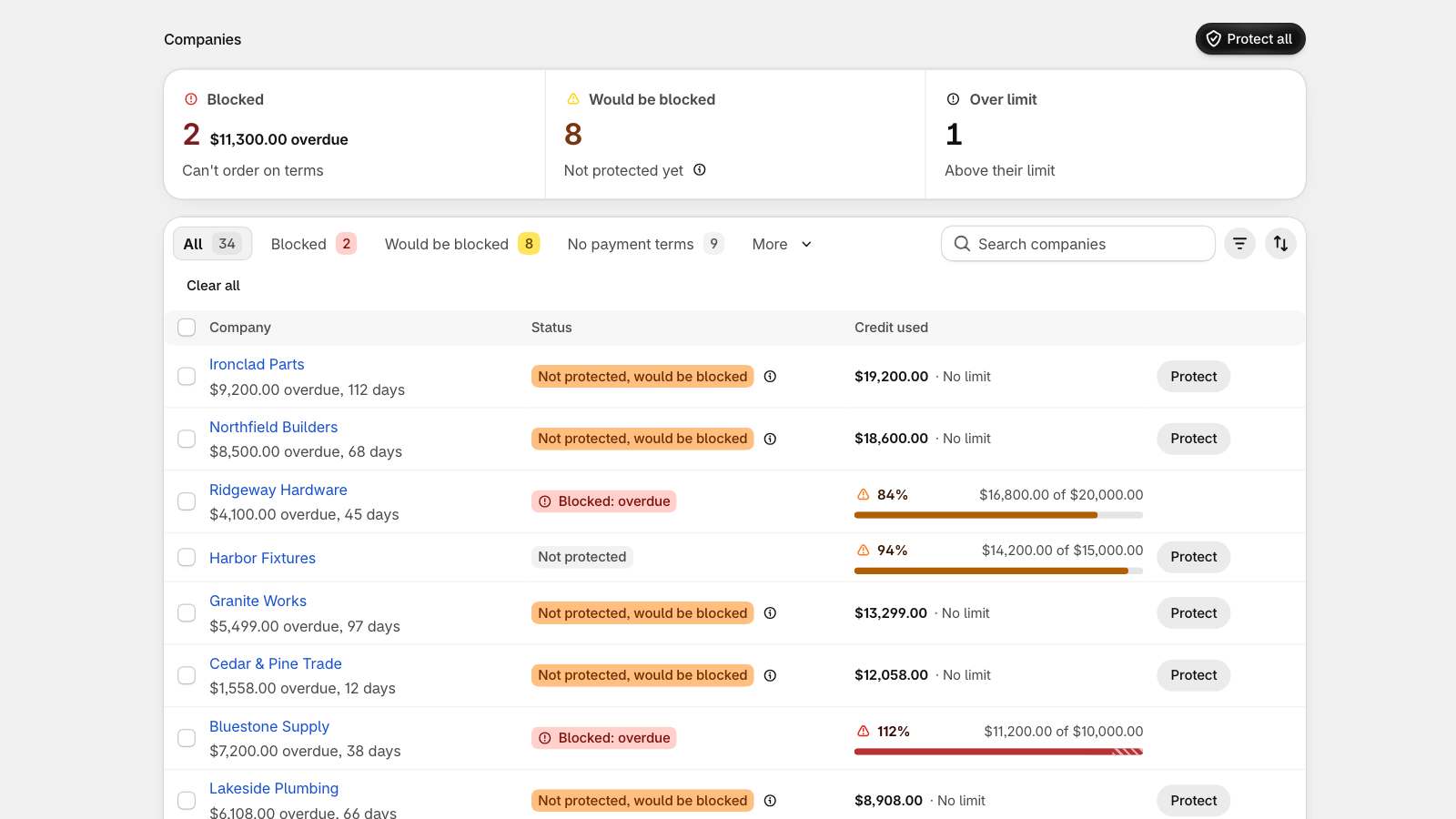
For one company
- In CreditHold, open Companies and select the company.
- Under Credit rules, enter the Credit limit and turn on Block orders over the limit.
- Optionally, set a Grace period: the days after the due date before an overdue order blocks the company. Leave it empty to use your store default.
- Save.
A default for every company
In Settings, under Default rules, set a Default credit limit for companies without their own, the Days to pay after the due date (your default grace period) and Warn me at, the share of the limit at which a company counts as near its limit.
Suggested credit limit
When a company has at least 3 orders on payment terms over 60 days, its page suggests a limit from your store's own orders and how on time they were paid. It's never applied automatically: select Use to fill it in.
Limits are in your store currency. An order in another currency isn't checked against the limit; the overdue rule still applies.
Still stuck? Email [email protected]. We reply within one business day.